eduroam Installation Guide for Linux — geteduroam
Linux Setup for eduroam - Flatpak
1) On the geteduroam landing page, select Flathub under the Linux option.
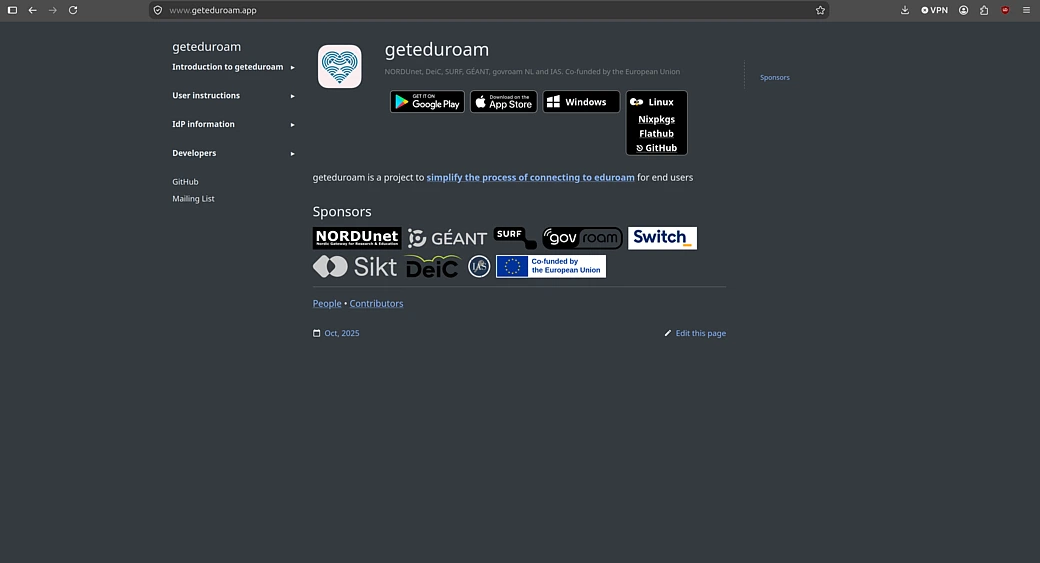
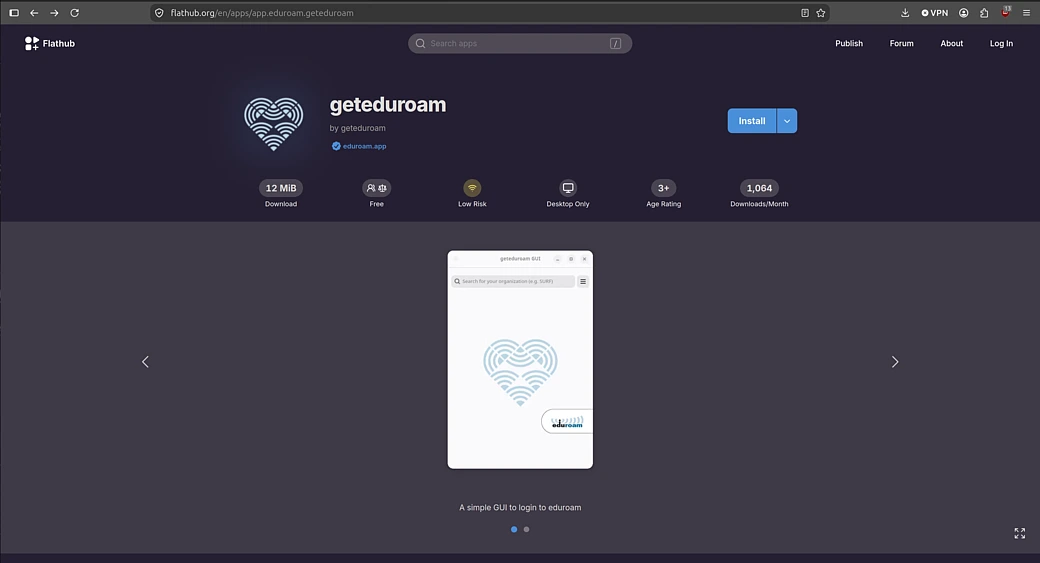
2) Install geteduroam when prompted.
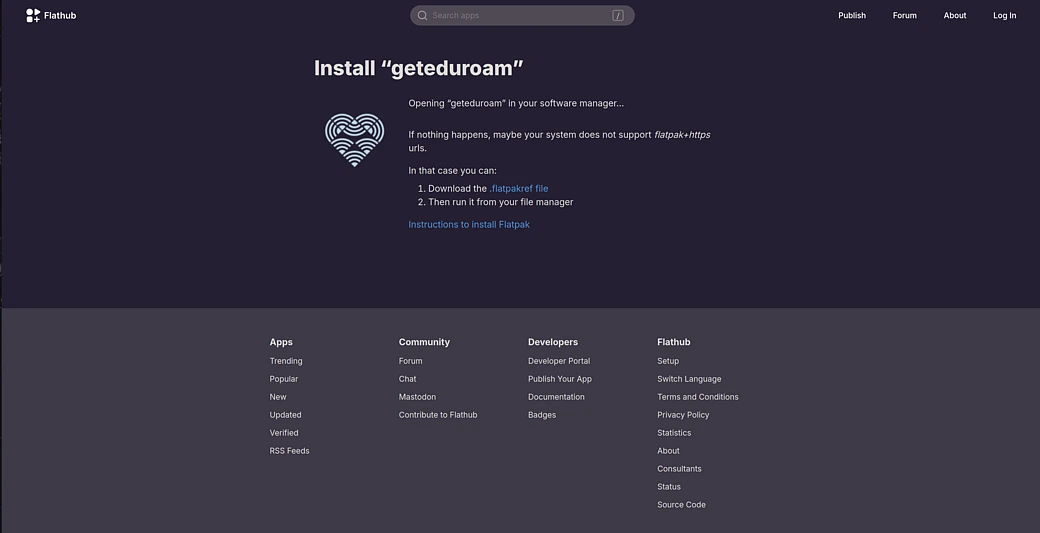
3) Select "Instructions to install Flatpak".
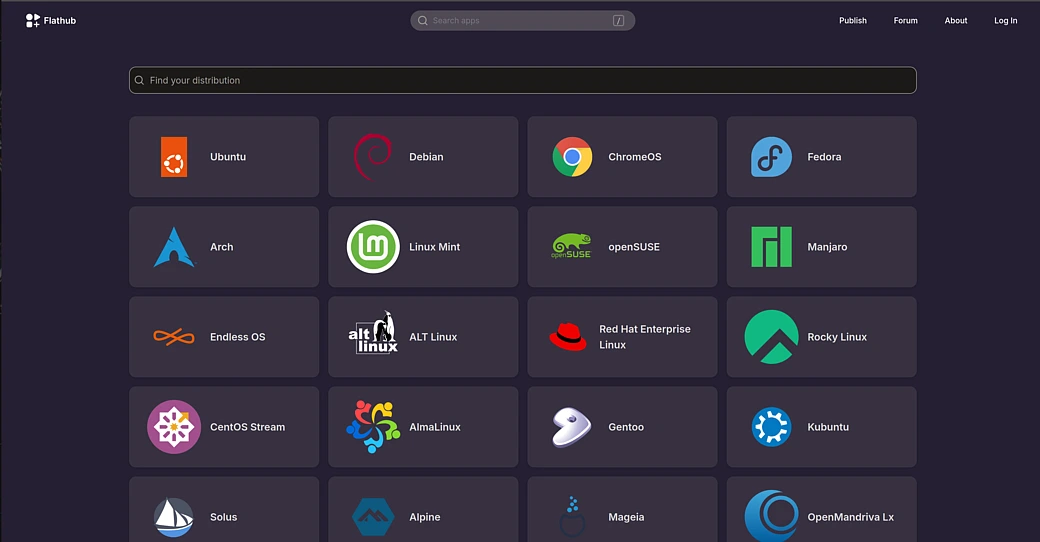
4) Select your Linux distro when prompted and go through the respective installation steps for Flatpak. It is recommended to restart your system afterwards.
5) Go back to step 3 and select "Download the .flatpakref file".
6) Select the downloaded file and open with the app of your choice. It is recommended to go with your distro's default "Software Install".
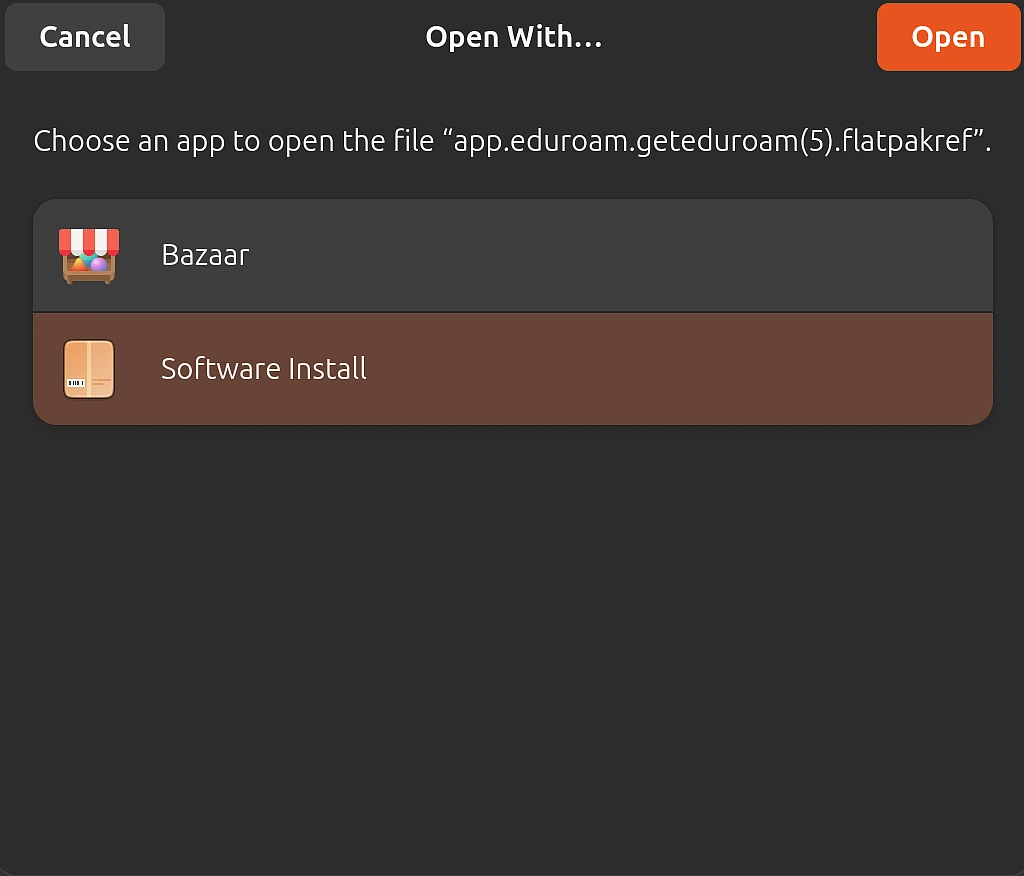
7) Select the install option when prompted.
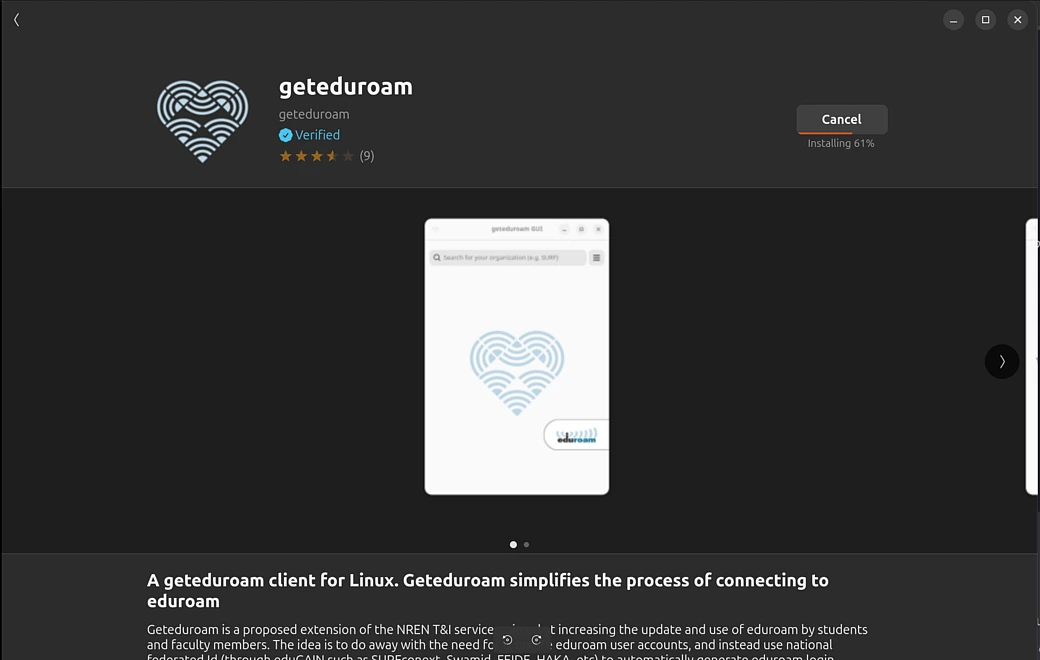
8) Search "Institute for Advanced Study" in search bar of the geteduroam gui.

9) Login using IAS email address and password.
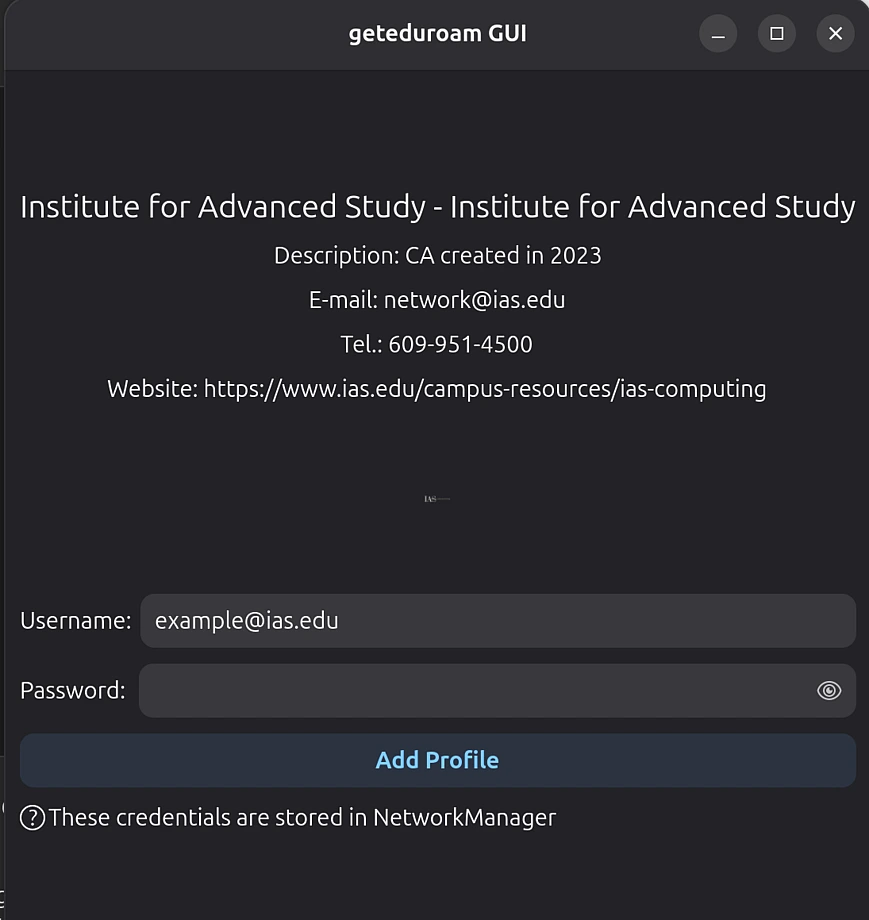
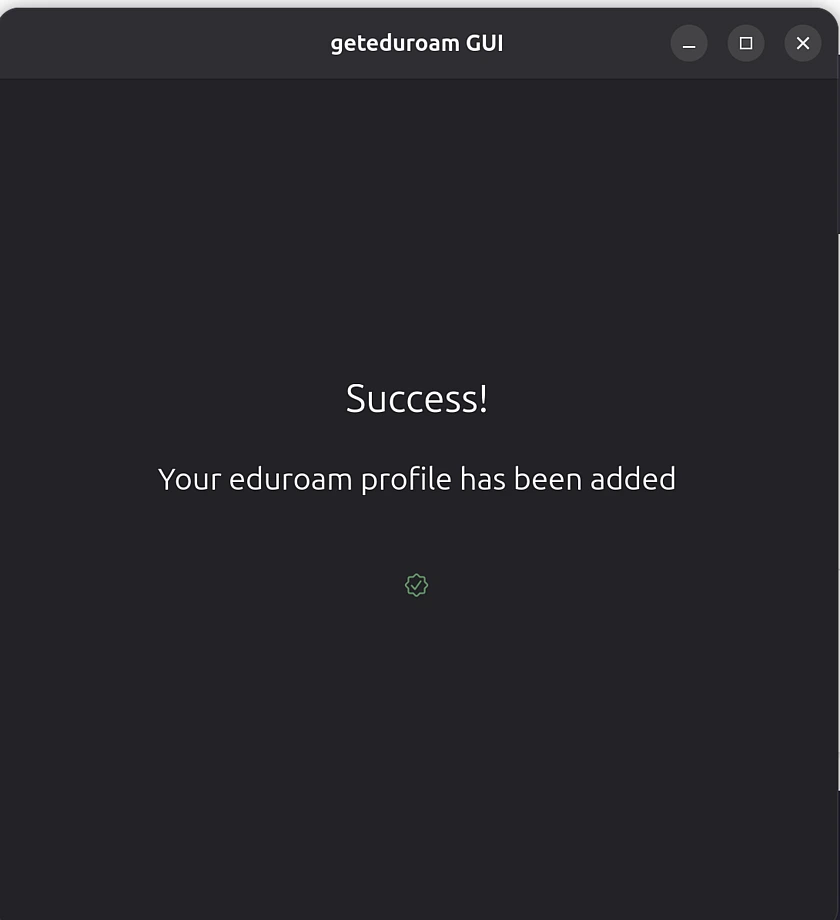
10) Join eduroam network in wifi settings.