Finding Your IAS Computer Name
In certain technical support scenarios, ITG Support might ask you for your computer's assigned name for troubleshooting purposes. To find your computer's assigned name, please follow the instructions below:
Note: This is only applicable for IAS-managed computers
- Click the Start button or press the Windows Key to open the Start Menu.
- In the search bar, enter "Computer Name Information", then click Open.
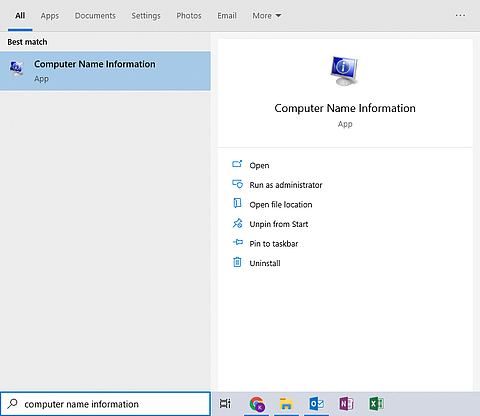
- A window will appear containing your computer's Computer Name and IP Address, which you can share with ITG Support.
There are two methods for finding your computer name on Macs:
- On your desktop, there should be a shortcut named Computer Info.
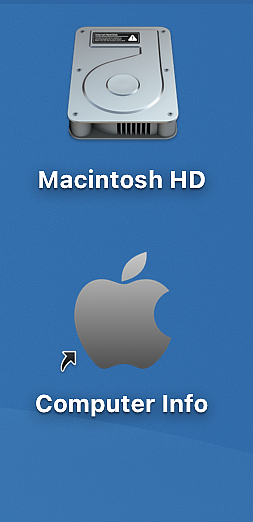
- Open Spotlight by clicking the magnifying glass in the top-right corner of the menu bar, or by pressing Command + Spacebar. In Spotlight, search for "Computer Info".
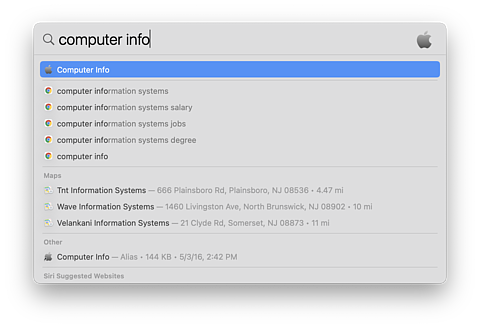
Once you locate the Computer Info application, open it to display your computer's Computer Name and IP Address. You can then share this information with ITG Support.