Setting Up Apple Contacts with your IAS Address Book
- Launch Contacts.
- From the top menu bar, select Contacts > Add Account.
- Choose Other Contacts Account.
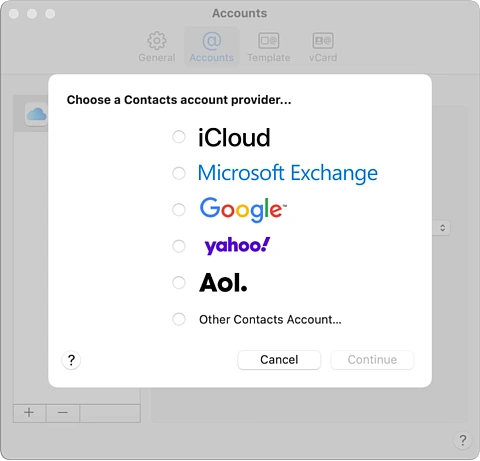
- Enter the following information:
- Account Type: CardDAV / Manual
- Username: Enter your IAS email address. (e.g. [email protected])
- Password: Enter your IAS password.
- Server Address: mail.ias.edu
- Click Sign In.
The new account will appear in the Accounts window. This corresponds to the address book available through your IAS Zimbra mailbox.