Logging into Member Office Computers
All computer systems in visiting scholar offices are equipped with Red Hat Enterprise Linux. Details about the computer systems in every School of Math Member office are available on the Member Office Computing Equipment page.
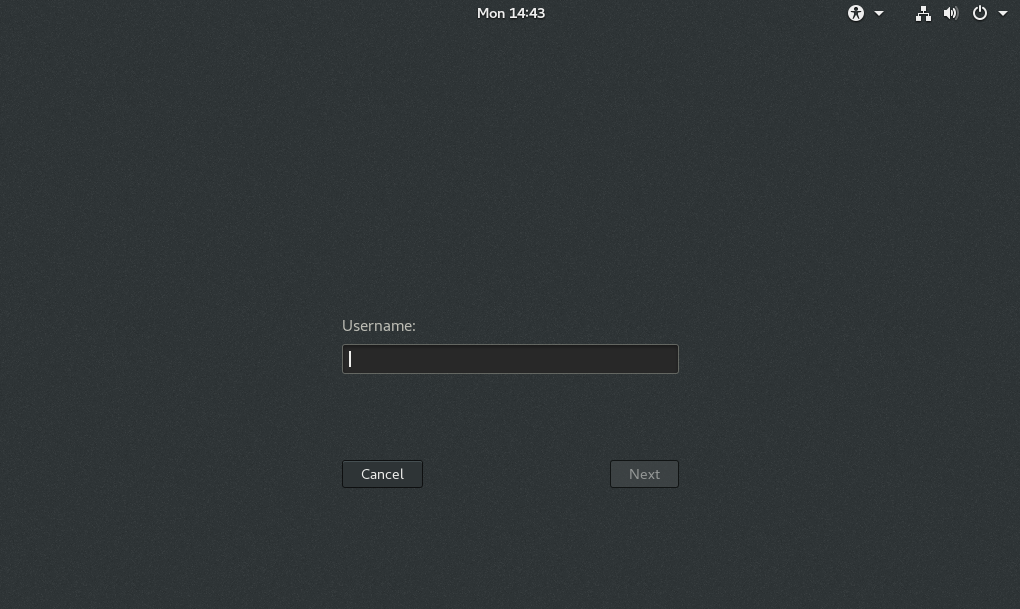
After turning on the monitor, you will see a screen asking first for your IAS username and then for your IAS passphrase. Enter the username and passphrase you sent when you completed your IAS Onboarding Form or that was provided to you on an IAS User Account Information sheet. After successfully entering your credentials, you will be logged into the computer and have access to your IAS email, home directory, network printers, software applications, and other campus and Internet resources.
The default desktop environment enabled in Red Hat Enterprise Linux is GNOME. To learn more about this desktop environment, please visit the GNOME Help website. If you prefer to use an alternate desktop environment, you may click the cog icon before entering your password.